Is tickward free for a webinar countdown timer?
For webinars, tickward is free and open source, with unlimited timers for sessions and prep dates.
A webinar countdown timer helps visitors see exactly when the session begins. Use tickward as a starting soon countdown on your registration page, reminder page, or shared event link.
Set the date, time, and timezone once, then embed the timer with an iframe snippet. If your team runs the same session format often, recurrence can keep the next webinar date easy to prepare.
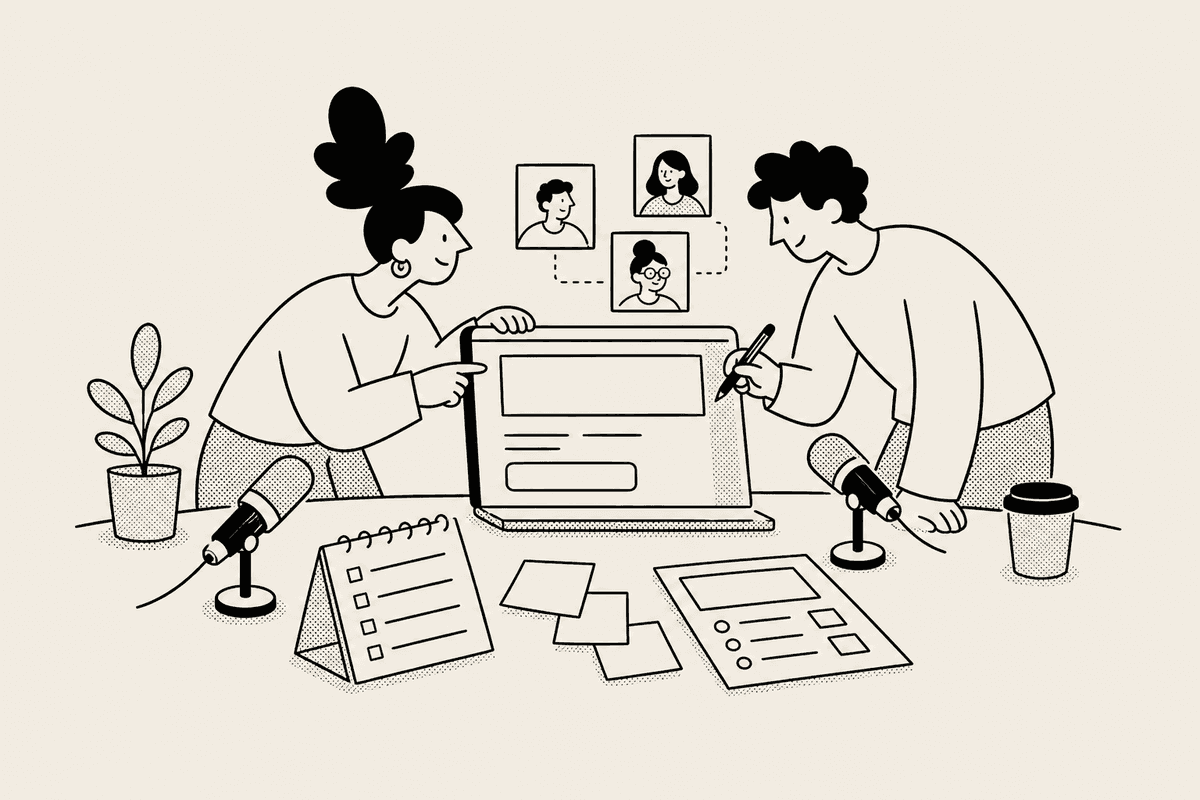
The iframe snippet lets the countdown sit on a registration page, event detail page, or waiting page. Visitors can see the timer without signing in.
Because tickward counts down to a date, time, and timezone, the page can show the real start moment instead of a rough number of days.
A shared timer gives your team one source for the webinar start time. Update the timer in tickward if the schedule moves, while the registration page keeps using the same embed.
Notifications can remind the host team when the countdown reaches zero. Projects and spaces help separate upcoming sessions, dry runs, and follow-up deadlines.


Add the session title, start date, start time, and timezone so the countdown points to the real webinar start.
Copy the iframe snippet and place the countdown near the signup form, agenda, or confirmation details.
Send the public link to speakers, partners, or registrants who need to check the start time.
Use recurrence for weekly or monthly webinar series that follow a predictable schedule.
For webinars, tickward is free and open source, with unlimited timers for sessions and prep dates.
Share the timer and copy the iframe snippet to embed it on a registration page, confirmation page, or event page.
Attendees can view shared and embedded countdowns without sign-in, and they cannot change the session timer.
Recurrence supports daily, weekly, monthly, and yearly schedules for repeated webinar programs.
Each timer uses a target date, target time, and timezone, so the countdown follows the scheduled session time.
Create your first countdown timer in seconds.
Add your first timer