Is tickward free and open source for event planners?
For event work, tickward is free and open source, with unlimited timers for deadlines, production dates, and client milestones.
A countdown timer for event planners keeps the next event milestone visible before the day gets busy. Use tickward as an event planning countdown for client events, venue access, rehearsals, vendor handoffs, or doors-open moments.
Create an event planning countdown with the target date, time, and timezone, then share the link with clients, vendors, or crew. Projects and spaces help keep one event separate from the next.
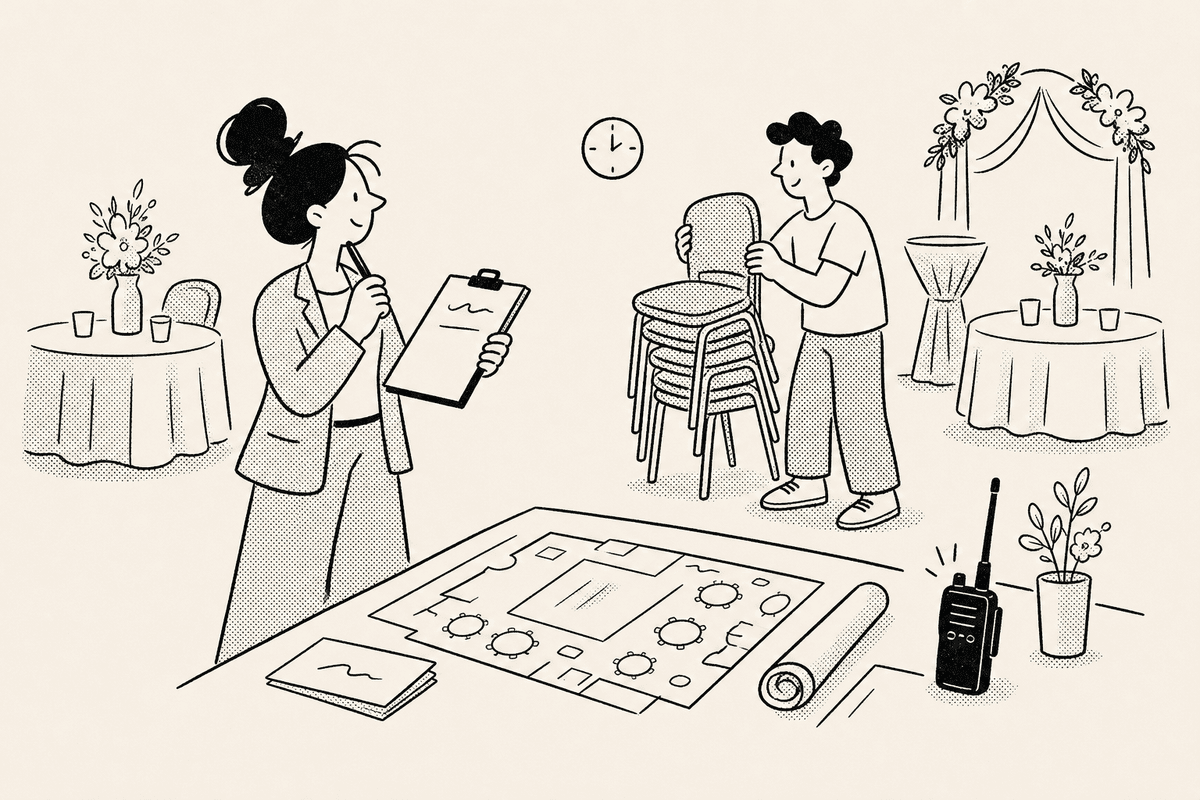
Event work often means several timelines moving at once: deposits, venue access, setup calls, rehearsals, and doors-open moments. Projects and spaces give those dates a place to live without mixing one client event into another.
Each timer points to a target date, time, and timezone, which helps when planners, vendors, and guests are not all working from the same location.
A shared countdown link gives clients, venue contacts, and production teammates a simple way to see the next important moment. Because it opens in the browser, guests and crew can check it without installing anything.
Shared timers can also be embedded on a page when the countdown needs to sit next to event details. Sign in only when you want event timers synced across devices.


Add the event name, target date, target time, and timezone for the milestone everyone is tracking.
Use projects and spaces to separate venue holds, rehearsal calls, vendor deadlines, and event days.
Send the timer link to clients, vendors, or production teammates so they can check the same target time.
Use the embedded view when a registration page, client portal, or event page needs the live countdown.
For event work, tickward is free and open source, with unlimited timers for deadlines, production dates, and client milestones.
You can create local event timers in the browser without signing in. Use sign-in only when those timers should sync across devices.
Share the timer link so vendors, clients, and production teammates can check the same target time from the browser.
Shared timers can be embedded on an event page when guests, vendors, or staff need a live countdown.
tickward supports daily, weekly, monthly, and yearly recurrence for repeated production calls and planning cadences.
Create your first countdown timer in seconds.
Add your first timer