Is tickward free for a retirement countdown?
For long-term planning, tickward is free and open source, with unlimited timers for personal milestones.
A retirement countdown can sit quietly in your browser while a long plan gets closer. Create a retirement countdown clock with the exact final workday and time, then keep that date visible through the months ahead.
Pin the timer so it stays easy to find without mixing it into daily tasks. Add separate countdowns for paperwork, benefit dates, handover plans, or the first trip after work ends.
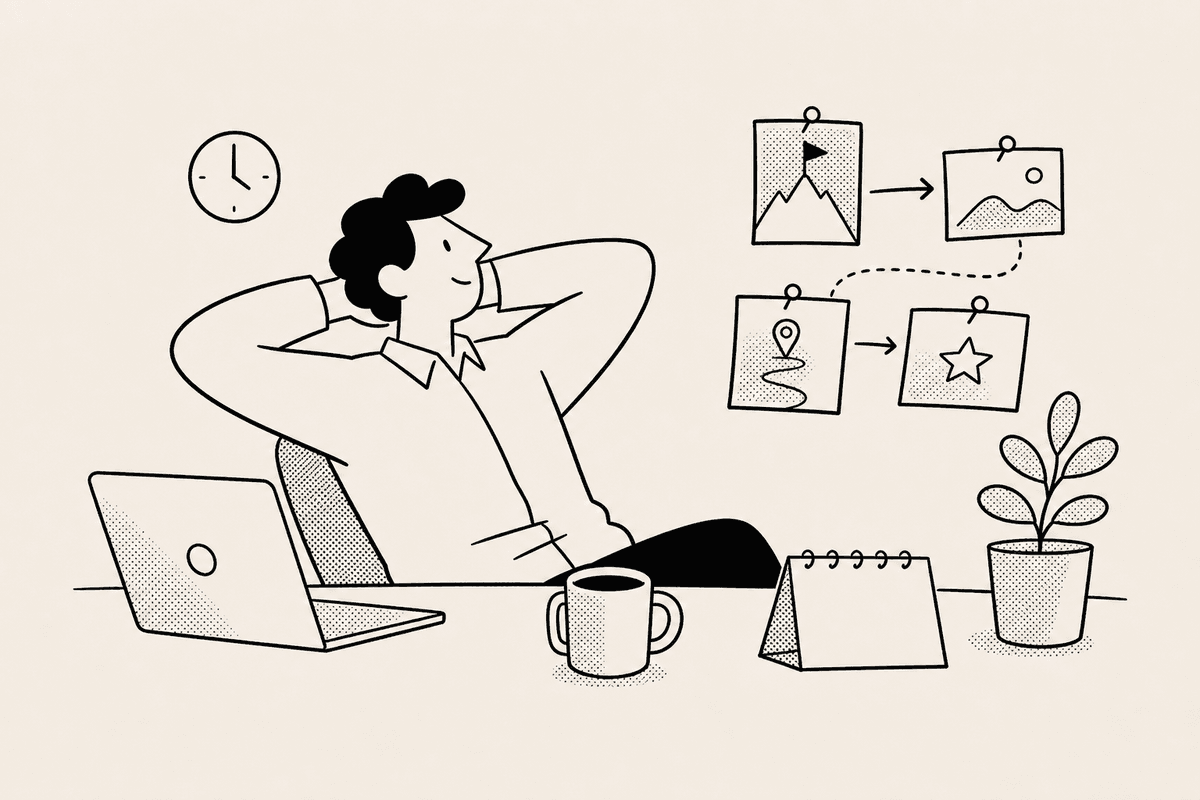
Some retirement plans are still private, and some are simply not ready for a group chat. You can keep the countdown as a personal marker until you decide who should see it.
If your planning changes, edit the target date and time from the same timer instead of starting over.
Retirement dates can be months or years away. Pinning keeps the countdown visible without requiring you to search through shorter deadlines.
Projects and spaces can hold related dates such as benefit windows, notice periods, meetings, and travel plans for after work ends.


Enter the retirement date and the time you want the countdown to end.
Let the countdown sit in your list as a quiet marker for the date you are working toward.
Pin the retirement timer so it remains visible while other deadlines and plans change around it.
Create separate timers for paperwork, benefits dates, handover plans, or a celebration after the last day.
For long-term planning, tickward is free and open source, with unlimited timers for personal milestones.
Yes. You can keep the countdown for yourself until you are ready to tell other people.
Yes. If you decide to share it, send the public link so others can watch the date get closer.
Each timer counts down to a target date and target time, including dates far in the future.
Pinning helps a retirement countdown stay visible while you manage other timers.
Create your first countdown timer in seconds.
Add your first timer