Is tickward free for project managers?
tickward is free and open source, with unlimited timers for milestones, releases, and delivery deadlines.
A countdown timer for project managers keeps the next sprint end, release date, or milestone review visible while the team works. Use tickward as a project deadline countdown for delivery plans, launch checkpoints, client handoffs, and recurring team ceremonies.
Create a project deadline countdown with the date, time, and timezone, then share the link in team chat. Projects and spaces help keep each workstream separate without turning every date into one list.
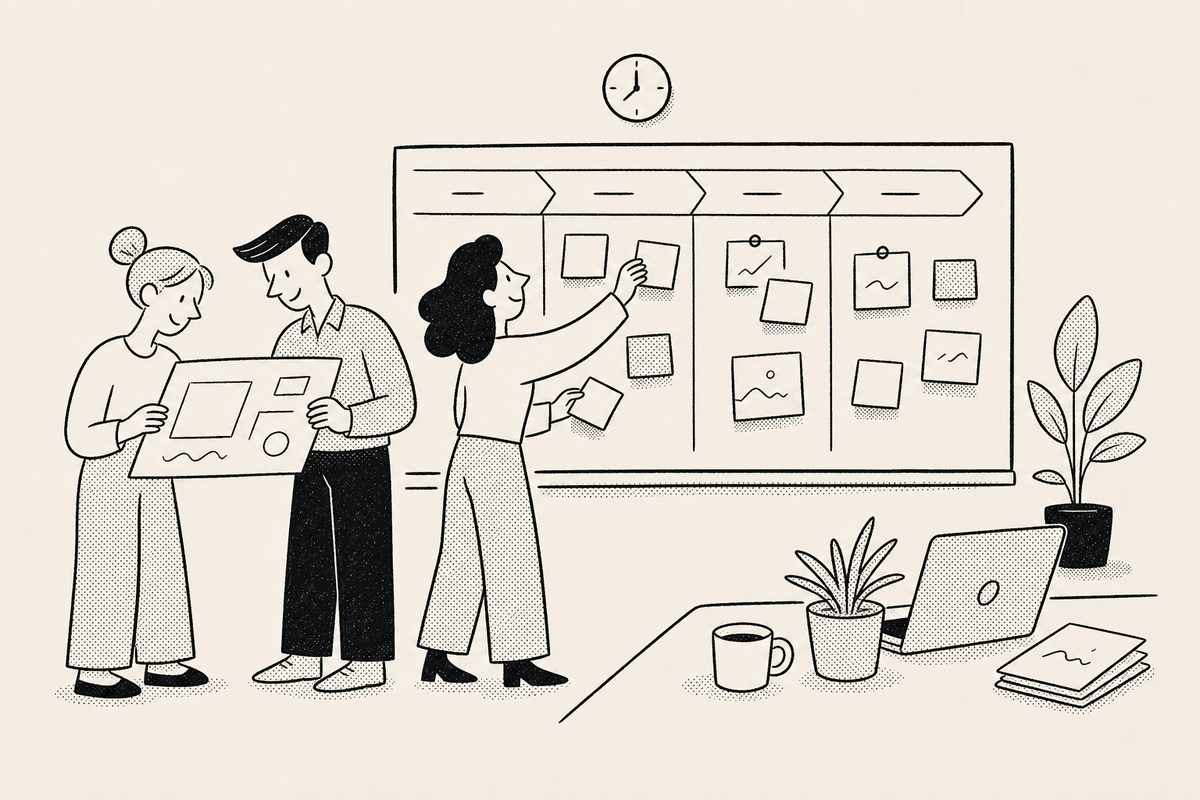
Project managers often track several dates at once: sprint closes, release approvals, status reviews, and client handoffs. Projects and spaces give each workstream a clear place without forcing every timer into the same list.
Each timer stays tied to a target date, time, and timezone, so distributed teams can point to one clear milestone.
A shared countdown link gives teammates, leads, and stakeholders a simple way to see how much time remains before the next milestone. Team members can open it from the browser without installing anything.
Pin the timers that need attention during a sprint or release window. Sign in only when those project timers should sync across devices.


Add the milestone name, target date, target time, and timezone for the deadline.
Use projects and spaces to separate sprint ends, release gates, review dates, and client milestones.
Send the link where the team already coordinates so everyone can check the same target time.
Set daily, weekly, monthly, or yearly recurrence for regular reviews, planning sessions, and delivery rituals.
tickward is free and open source, with unlimited timers for milestones, releases, and delivery deadlines.
You can create timers in the browser without signing in, and use an account only when you want cross-device sync.
Share the timer link in chat, project notes, or planning docs so everyone can check the same deadline.
tickward supports daily, weekly, monthly, and yearly recurrence for reviews, planning sessions, and other repeated delivery dates.
Projects and spaces help group related timers by workstream, release, client, or team.
Create your first countdown timer in seconds.
Add your first timer