Is tickward free for live streamers?
For live schedules, tickward remains free and open source, with unlimited timers for streams and premieres.
A countdown timer for streamers gives viewers one clear start time before you go live. Use tickward as a stream starting soon timer for the next stream date, time, and timezone, then share the link in chat or a profile bio.
For a stream starting soon timer, copy the iframe snippet into the scene viewers see before the show. Weekly recurrence helps regular streams stay visible without rebuilding the timer each time.
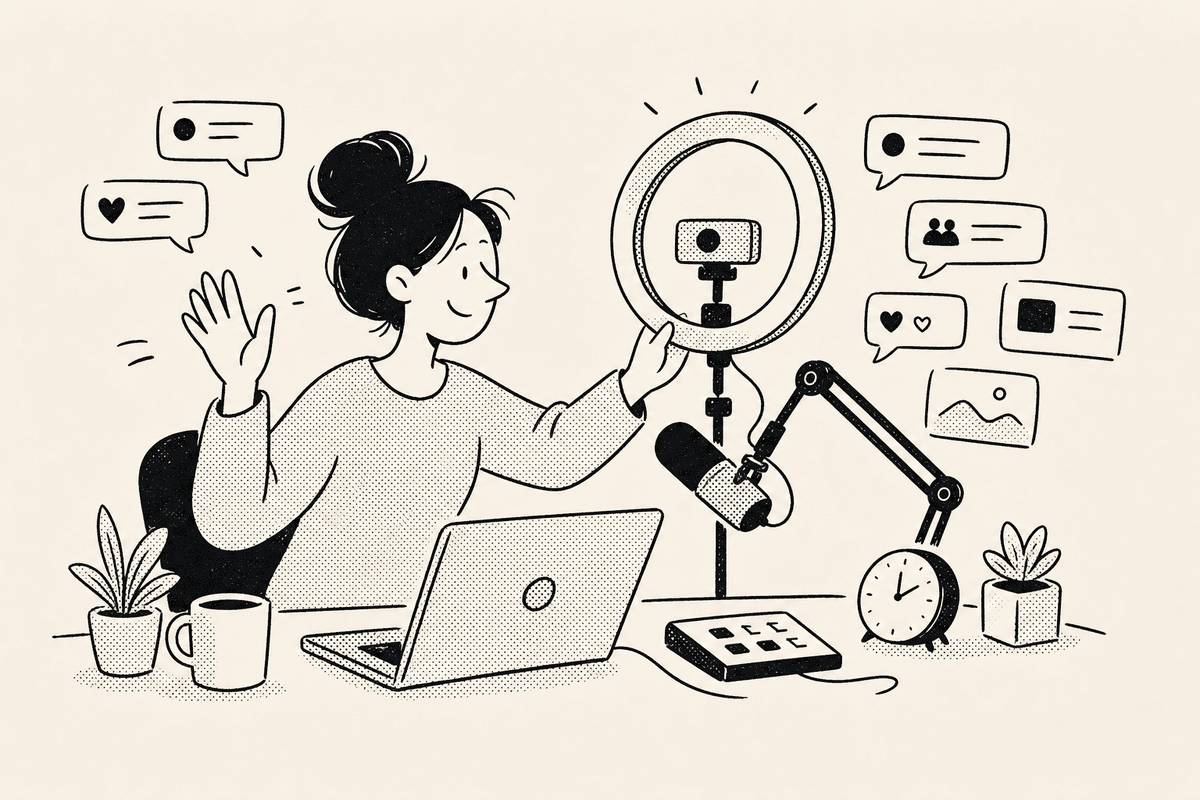
Shared tickward timers include an iframe snippet that can be used as a browser source. Viewers can read the countdown while edits remain private to you.
The timer stays tied to a target date, time, and timezone, so the start moment stays clear for viewers in different places.
A shared link gives viewers one place to check when the next stream begins. Put it in chat, a profile bio, a community post, or the page where your schedule already lives.
Pin important stream timers when they need to stay at the top of your list. Projects and spaces can separate regular shows, premieres, and one-off live events.


Add the stream title, next start date, start time, and timezone for the show you want viewers to see.
Drop the shared link in chat, a profile bio, or a schedule page so viewers can check the next start time.
Copy the iframe snippet and add it as a browser source in the scene viewers see before you start.
Use weekly recurrence for regular streams, community sessions, premiere times, or practice broadcasts.
For live schedules, tickward remains free and open source, with unlimited timers for streams and premieres.
Create local stream timers in the browser without signing in. Use sign-in only when you want timers synced across devices.
Share the timer, copy the iframe snippet, and place it in a browser source for your starting scene.
Weekly recurrence is supported, along with daily, monthly, and yearly recurrence for other schedules.
Viewers can open the shared or embedded countdown, but they cannot change your timer from that view.
Create your first countdown timer in seconds.
Add your first timer