Is tickward free for podcast planning?
tickward is free and open source, with unlimited timers for episode releases, guest sessions, and show deadlines.
A countdown timer for podcasters keeps release dates, guest sessions, and season launches visible before the day arrives. Use tickward as a podcast launch countdown to track the next episode from the browser and share the date when it needs to be public.
Create a podcast launch countdown with the release date, release time, and timezone, then send the link to co-hosts, guests, or listeners. Weekly recurrence helps a regular show schedule stay visible without rebuilding the timer each time.
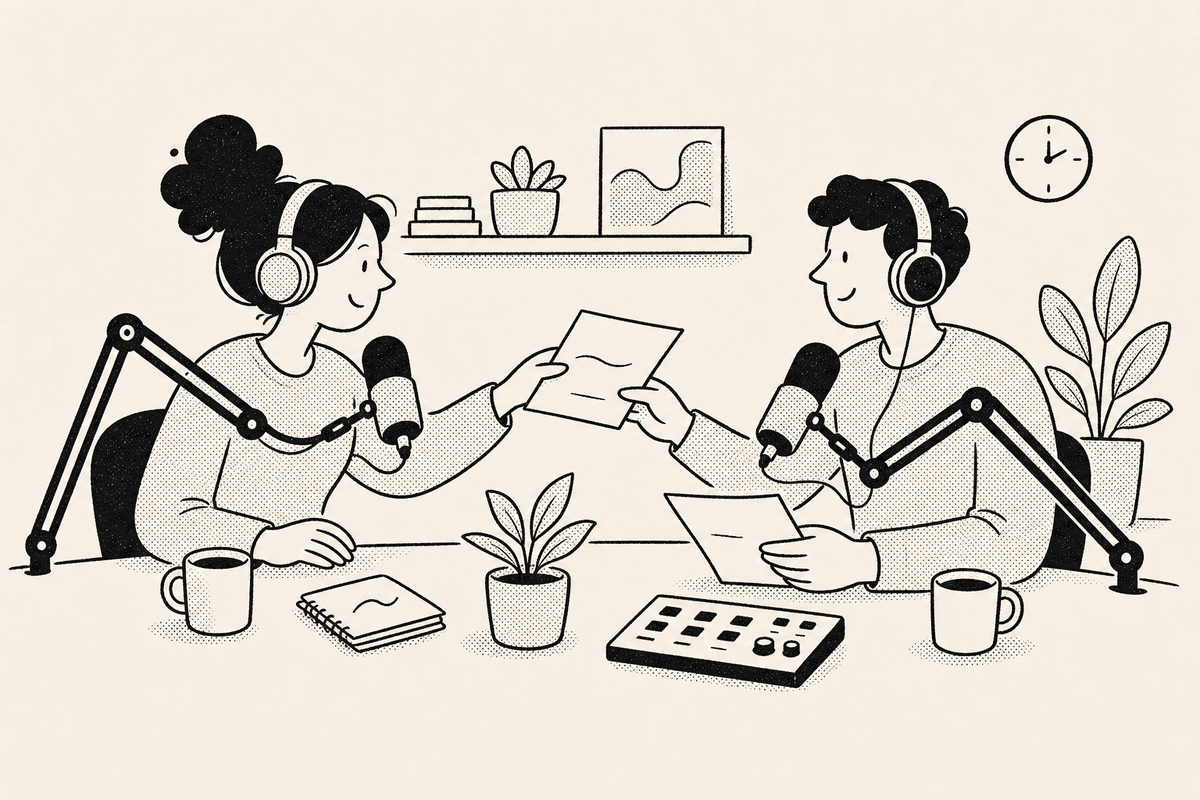
A shared countdown gives collaborators and listeners one place to check when the next episode, trailer, or season starts. Anyone with the link can open it in the browser without installing anything.
For guest recordings, a target date, time, and timezone keeps the session clear across locations. Pin important show timers when they need to stay easy to find.
Launch dates often depend on recording, edits, artwork, approvals, and publishing. A shared timer gives co-hosts and guests the same date without turning the release plan into a long checklist.
Weekly or monthly recurrence helps ongoing shows keep future release dates visible. Sign in only when you want those timers synced across devices.


Add the episode, season, or recording session with its target date, time, and timezone.
Choose daily, weekly, monthly, or yearly recurrence when a show follows a repeated schedule.
Send the timer link to co-hosts, guests, or listeners so everyone can check the same release time.
Use projects and spaces to separate episode releases, recording sessions, launches, and personal deadlines.
tickward is free and open source, with unlimited timers for episode releases, guest sessions, and show deadlines.
You can create local podcast timers in the browser without signing in. Add sign-in only when show timers need cross-device sync.
Share the timer link so listeners can check the release time from their browser.
tickward supports daily, weekly, monthly, and yearly recurrence for repeated show schedules.
Projects and spaces help group recording sessions, episode launches, and other show deadlines.
Create your first countdown timer in seconds.
Add your first timer