Is tickward free for a vacation countdown?
For travel planning, tickward is free and open source, with unlimited timers for trips and travel dates.
A vacation countdown gives your next departure a clear place in the browser. Build a trip countdown timer with the exact date and time so everyone knows when the wait ends.
Add a small photo from the built-in search that matches the destination, season, or kind of trip. Send the link to family or friends when the group keeps asking how many days are left.
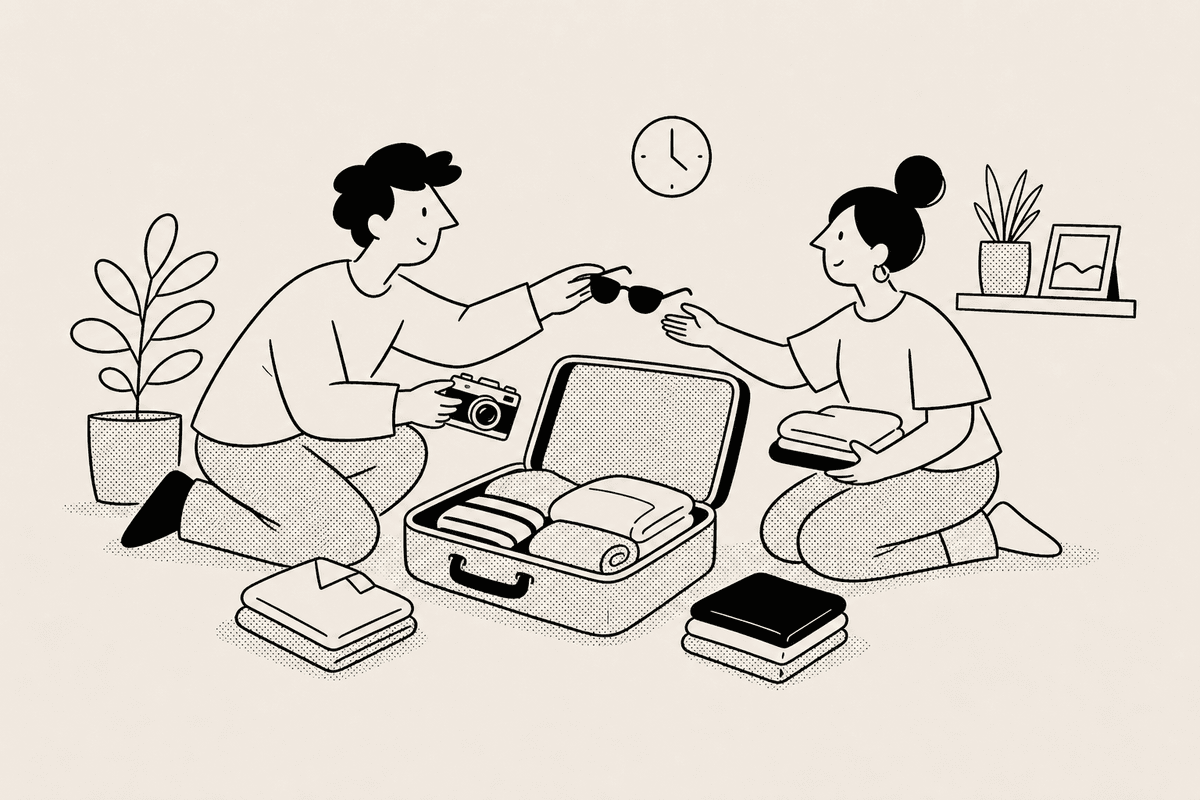
A small card photo can make the timer feel tied to the trip instead of another item on a calendar. Choose a search result that fits a beach week, road trip, family visit, or long-planned break.
The display stays focused on the target date and time, so the countdown remains useful while the image adds context.
Travel planning often lives in messages, notes, and booking emails. A public countdown link gives the group one simple date to open when plans come up.
Use projects or spaces for the rest of the trip timeline. Packing, check-in, booking windows, and return dates can sit beside the main departure countdown.


Enter the trip name, departure date, and departure time for the moment you want to count toward.
Pick an optional small photo from the built-in search that matches the destination, route, or travel season.
Create extra timers for booking windows, packing dates, check-in times, or return plans inside one project.
Send the link to your travel group so everyone can open the same departure countdown.
For travel planning, tickward is free and open source, with unlimited timers for trips and travel dates.
Send your family the public link so they can open the trip countdown whenever they want to check the date.
Vacation timers can show an optional small photo from the built-in search when you want the countdown to match the destination or itinerary.
The vacation countdown link opens in any browser, so the travel group can check the time left.
Create separate timers for booking, packing, check-in, and return dates, then organize them in a project or space.
Create your first countdown timer in seconds.
Add your first timer